A practical architecture for large-scale GPU document pipelines
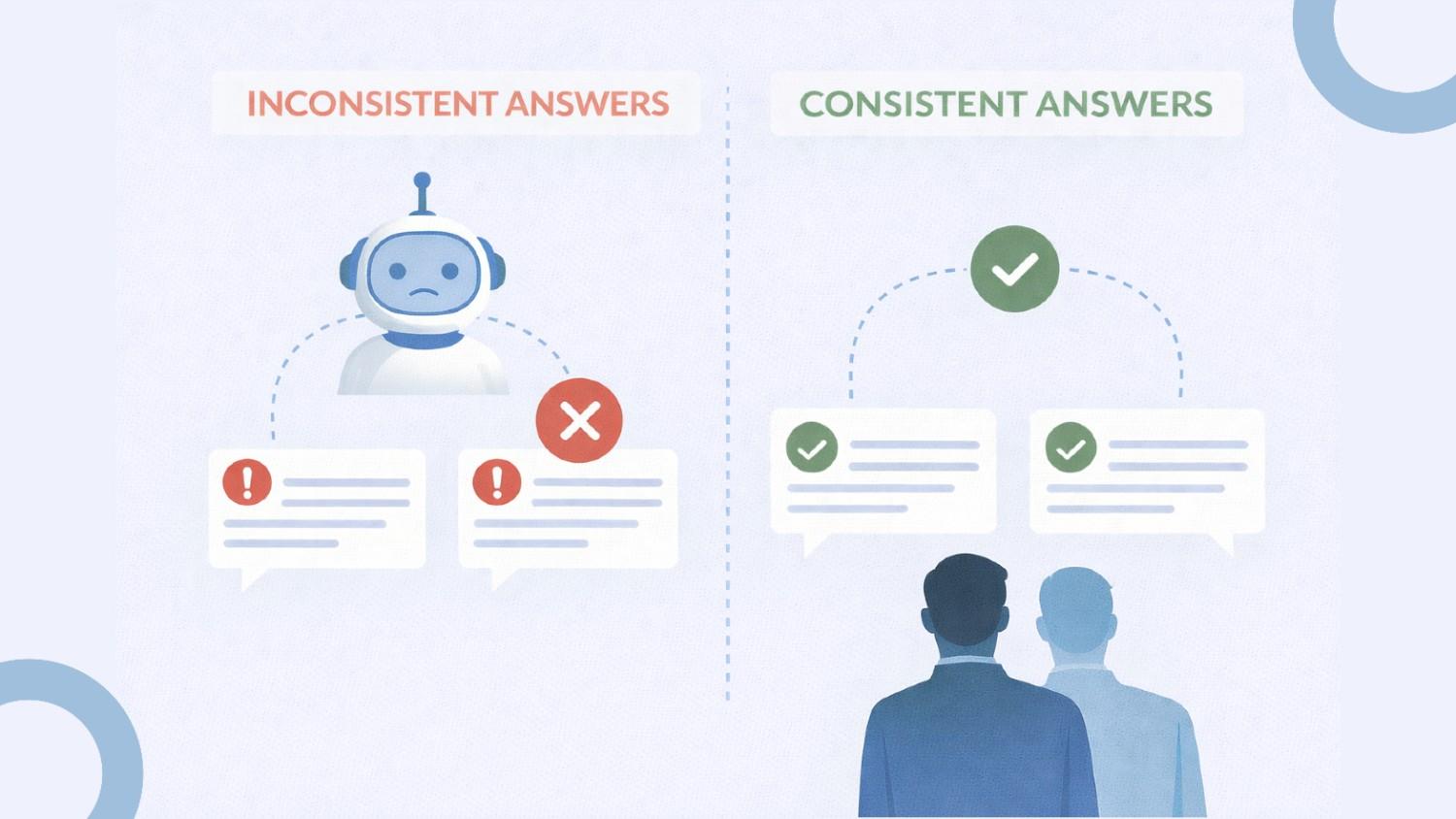
Large PDFs quickly stress document AI pipelines. Once files cross a few hundred pages, GPU-based OCR and layout models begin showing production issues: slower jobs, GPU memory errors, rising costs, and failures that are hard to debug.
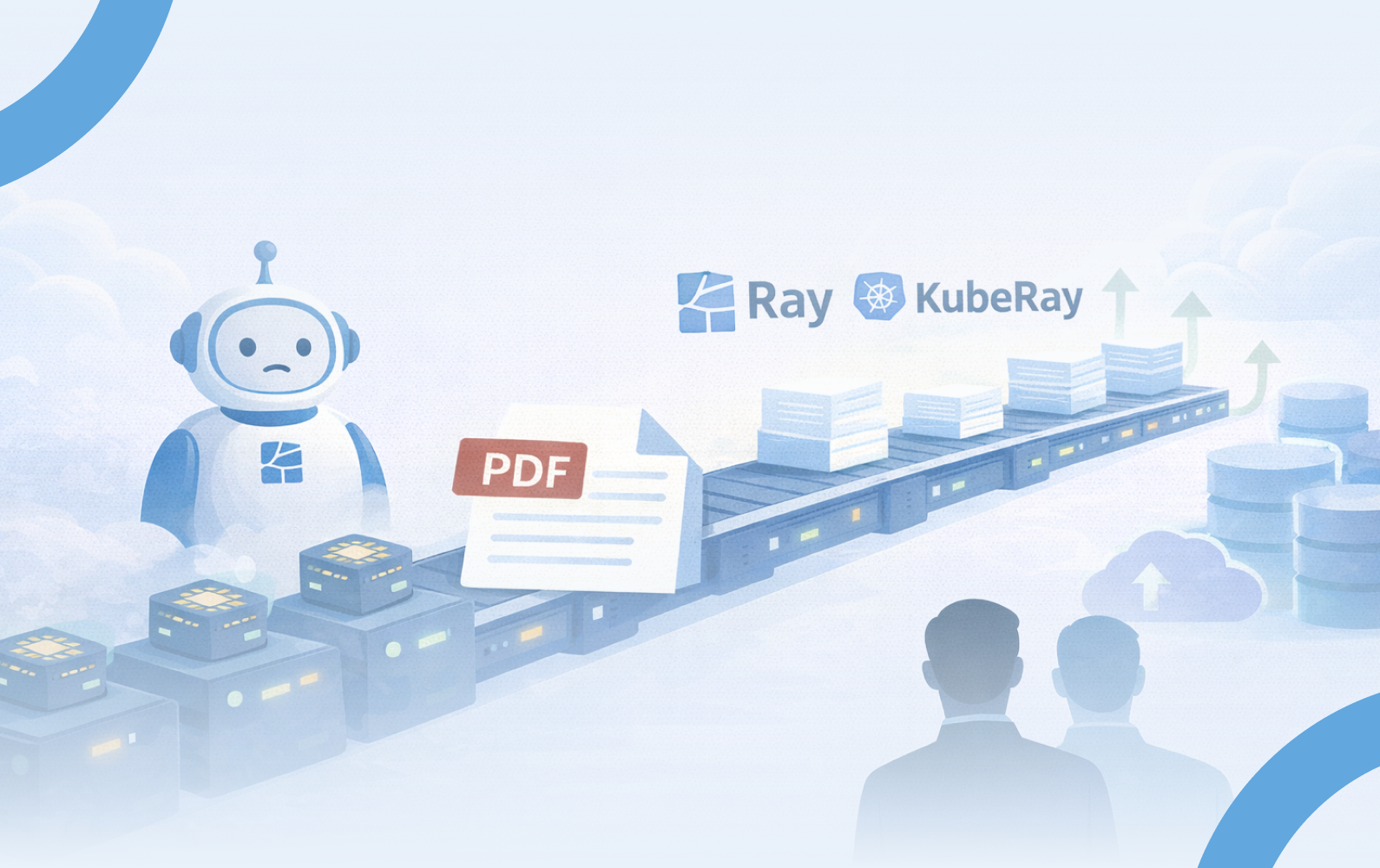
This article summarizes a production-ready approach using Ray and KubeRay on Kubernetes to keep document processing fast, stable, and cost-efficient.
A traditional pipeline runs one large PDF on one machine and one GPU. As document size grows, processing becomes sequential, GPU memory spikes become common, and expensive GPU nodes remain idle between workloads.
The solution is not bigger machines, but structuring workloads better.
Core Idea: Chunk, Then Parallelize
Instead of processing a 300 to 500 page document at once:
• Split the PDF into bounded chunks, for example 50 pages
• Process chunks independently in parallel
• Merge outputs into a final document result
This keeps GPU memory predictable, isolates failures, and drastically improves turnaround time.
The full pipeline can be summarized as:
1. A document processing request enters a job queue
2. A scheduler submits a Ray Job to the cluster
3. The document is split into bounded chunks
4. GPU workers process chunks in parallel
5. Outputs are stored in object storage
6. Metadata and job status are stored in a database
7. Final results are merged and temporary data is cleaned up
Only lightweight metadata moves through the cluster, keeping memory usage stable at scale.

Ray simplifies distributed execution with familiar programming patterns:
• Remote tasks handle stateless work like OCR and chunk processing
• Actors manage workflows needing retained state
• Resource-aware scheduling separates CPU and GPU workloads
• Ray Jobs provide clean job isolation and retries
For teams building distributed pipelines, Ray provides a simple programming model while still supporting large-scale distributed execution.
Relevant documentation:
https://docs.ray.io/en/latest/cluster/autoscaling.html
Managing Ray clusters manually is complex. KubeRay makes Ray a native Kubernetes workload with declarative cluster setup and autoscaling support.
GPU workers automatically scale up when work arrives and scale down when idle, preventing unnecessary infrastructure costs.
Relevant resources:
KubeRay Operator Documentation
https://docs.ray.io/en/latest/cluster/kubernetes/
NVIDIA GPU Operator (for GPU management in Kubernetes)
https://docs.nvidia.com/datacenter/cloud-native/gpu-operator/
In production testing, a 463-page document processed sequentially on one GPU required 38 minutes.
By splitting the document into 50-page chunks and processing them in parallel across 10 GPU workers, completion time dropped to about 10 minutes, even including GPU startup time.This represents a ~3.8× reduction in overall processing time, while keeping GPU usage tightly scoped to the duration of actual work.
Around 4–5 minutes of the total runtime is attributable to GPU startup overhead, including instance spin-up, Kubernetes pod scheduling, and NVIDIA driver initialization. GPU nodes are scaled down immediately after processing completes.
From a cost perspective, this approach is comparable to running a single GPU for a longer duration. Instead of keeping one GPU busy for 38 minutes, multiple GPUs are used briefly in parallel and then released, resulting in similar total GPU time consumption with significantly lower end-to-end latency.
Reliable document AI pipelines come from structuring work correctly:
• Break documents into bounded chunks
• Match parallelism with available resources
• Treat GPUs as elastic infrastructure
• Keep deployment portable and declarative
Ray manages execution while KubeRay handles scaling, turning large-document OCR into a production-ready distributed system.
1. How can large PDF files be processed faster using GPUs?
Split documents into chunks and process them in parallel across GPU workers.
2. Why do OCR pipelines run out of GPU memory?
Processing entire documents at once causes unpredictable memory spikes.
3. How does Kubernetes reduce GPU processing cost?
Autoscaling ensures GPU nodes run only when jobs exist.
4. Is Ray suitable for production document processing?
Yes. Ray provides distributed execution and job isolation needed for large-scale pipelines.